3D print timelapses,
fully automatic.
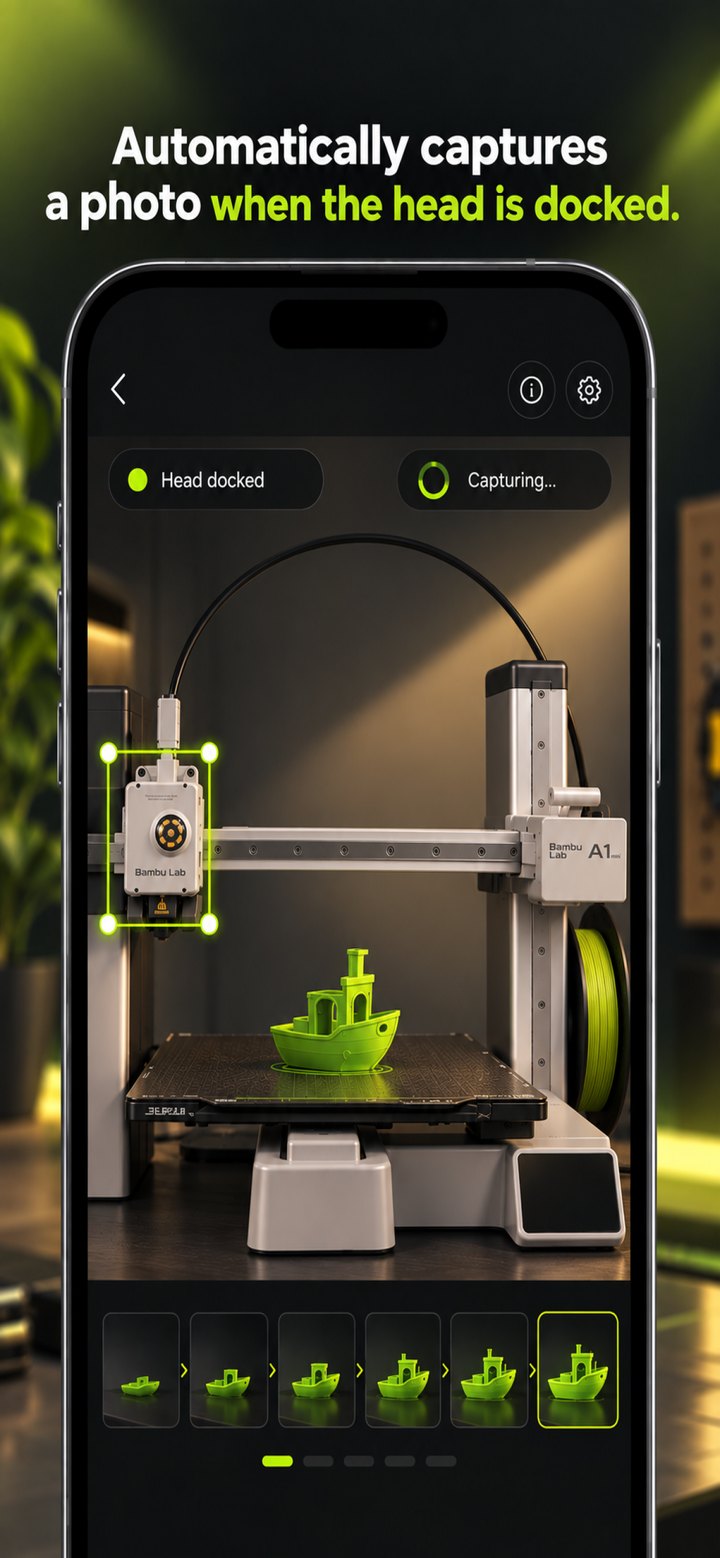
Your phone takes a photo each time the print head parks. No Bluetooth button, no Raspberry Pi, nothing to install on the printer.
Free to capture, edit and export. For iPhone and Android.
Set it up once. Then leave it to the print.
-
01
Mount your phone
Point it at the printer on a tripod or stand, and keep it plugged in.
-
02
Draw a box
Place it over the spot where the print head parks after each layer.
-
03
Tap Start
A photo is taken every time the head comes to rest inside the box.
-
04
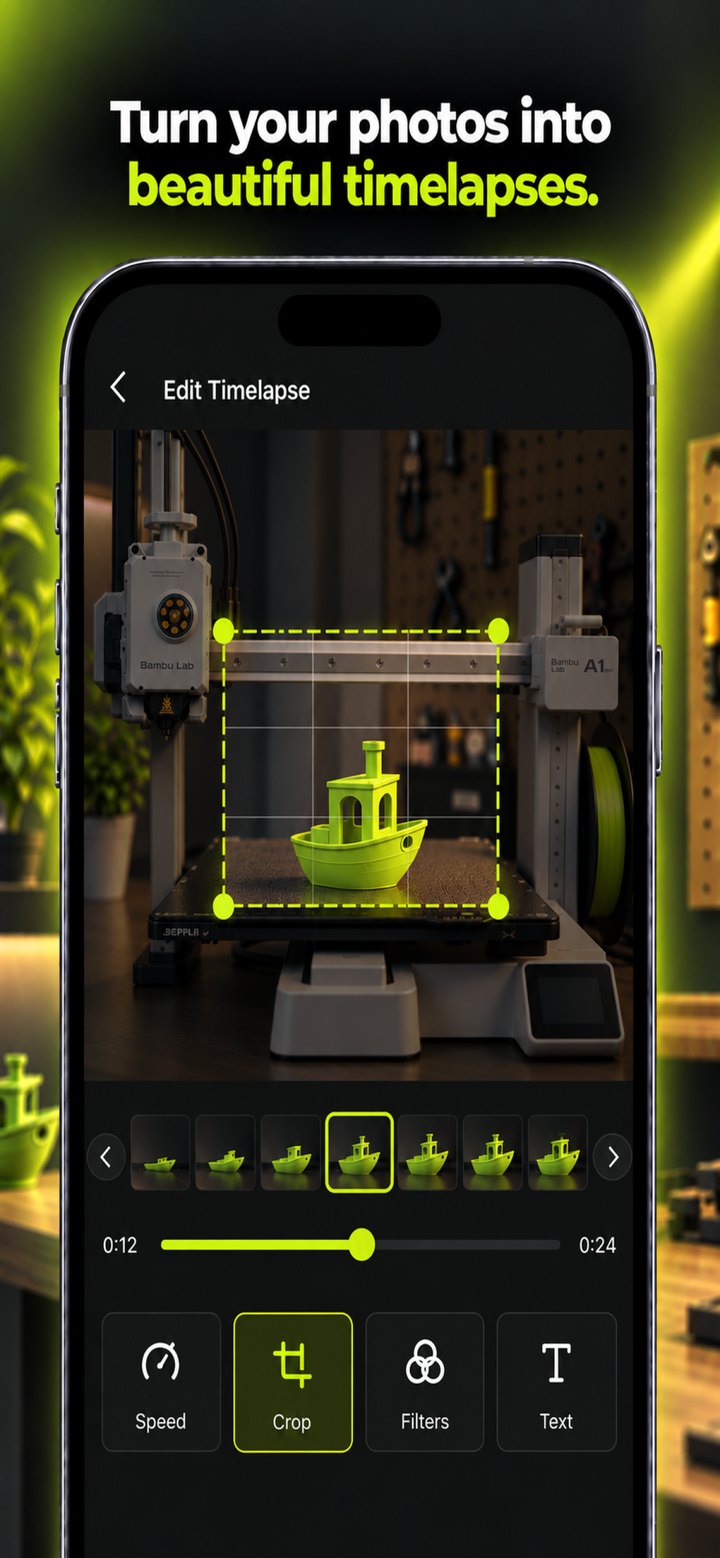
Edit and export
Fine-tune the timelapse in the editor and export the video.
From first layer to finished video.
Everything a clean timelapse needs.
Hands-free capture
Motion detection on your phone triggers every photo, with adjustable sensitivity, wait time and cooldown.
No flicker
Lock exposure and focus so the lighting stays the same from the first layer to the last.
Built-in editor
Pick frames, change speed, play in reverse, crop for any platform, zoom, rotate and add filters.
Export up to 4K
Export at 24, 30 or 60 FPS. Standard quality is free; Pro adds HD, Full HD and 4K.
Any FDM printer
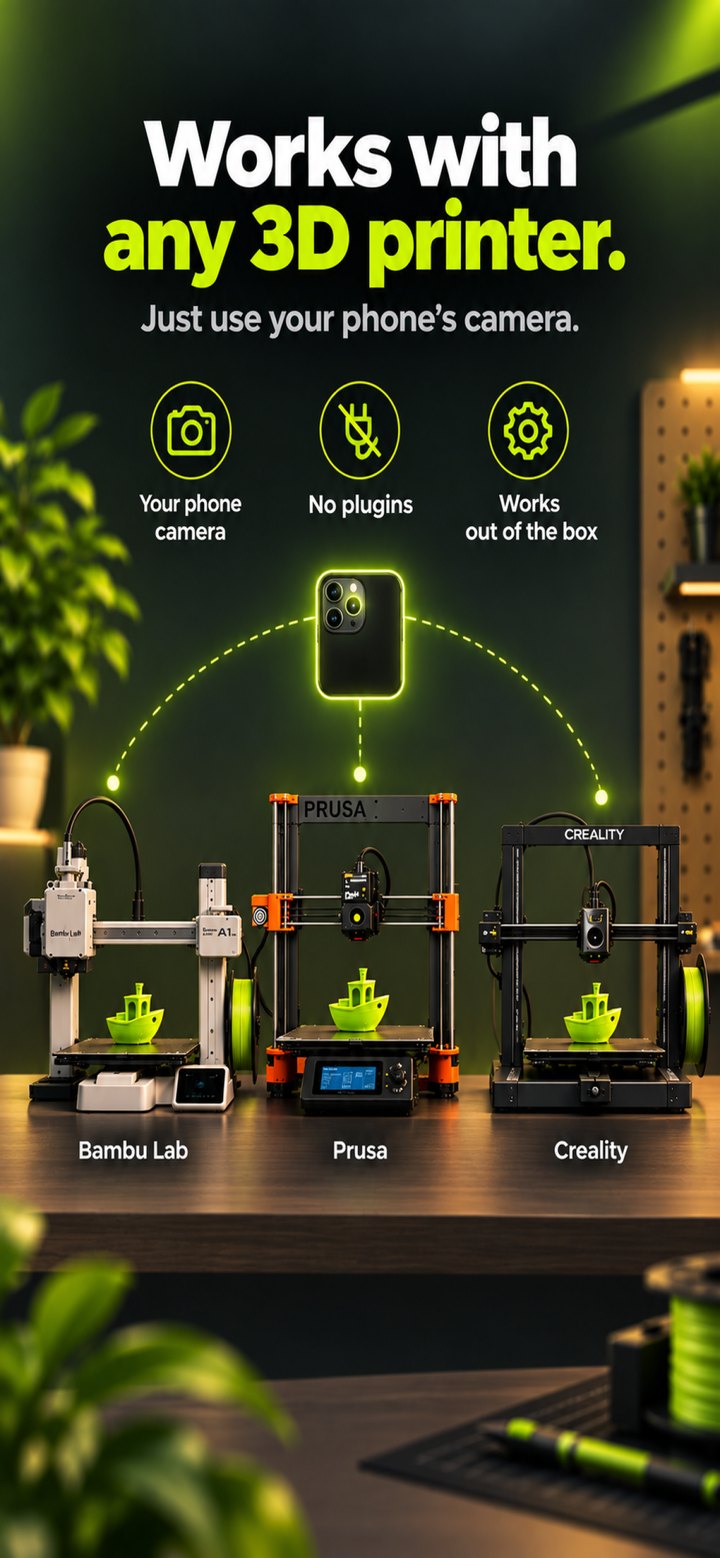
Bambu Lab, Prusa, Creality, Voron and more. If the head parks between layers, it works.
Private by design
Detection and video creation run on your phone. No account, and your photos stay with you.
The steady shot, without the setup.
| 3D Printcam | Octolapse / Raspberry Pi | Phone timelapse mode | |
|---|---|---|---|
| Extra hardware | None | Pi, camera and cables | None |
| Print head parked in every frame | Yes | Yes | No |
| Installed on the printer | Nothing | Plugin and configuration | Nothing |
| Setup | Draw one box | Hours | None |
Common questions.
No firmware changes and no plugins. The app only needs the print head to come to rest in the same spot between layers, for example at a purge chute or wipe tower. If your printer does not do that already, turn on the timelapse or park option in your slicer.
3D Printcam is available for iPhone on the App Store and for Android on Google Play.
Yes. You can capture, edit and export timelapses for free. 3D Printcam Pro unlocks HD, Full HD and 4K, as a yearly subscription or a one-time lifetime purchase.
Keep your phone plugged in for long prints. The screen dims while recording to save power and keep the phone cool.
Photos are kept in the app, with each print saved as its own session. Exported videos go to your phone's gallery, and you can save the photos there too.
Start your next print
with the camera rolling.
Free on iPhone and Android.